Labels For use in Laser Printers
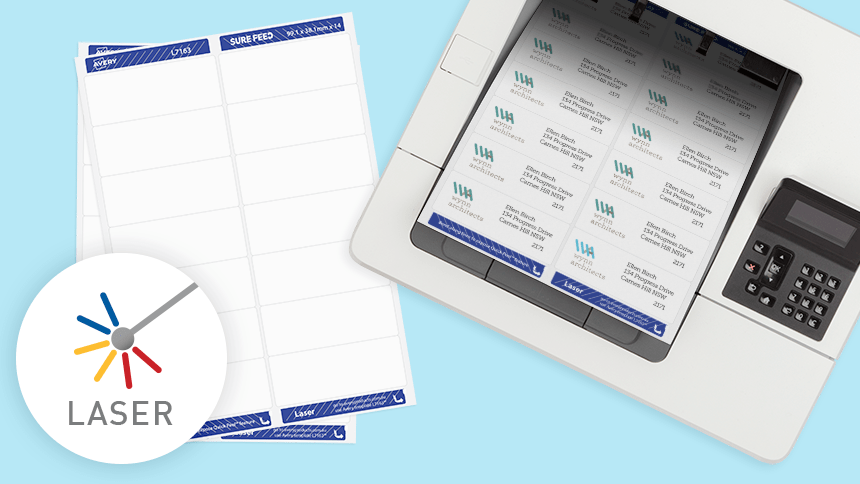
Laser printing technology is fast, accurate and low-maintenance. Naturally, it's a popular choice among businesses of all sizes. Not only do they print at lightning speeds, but toner cartridges also last longer than inkjet ones. This means you save time and money in the long run.
Avery laser printer labels and stickers are built to handle high-speed printing without compromising quality. Perfect for high-volume print jobs Avery's labels for laser printers not only stick firmly but also dry in an instant.
Laser Printer Labels and Stickers FAQs
Absolutely, laser printers are more than capable of handling label printing. The most important thing you'll want to do is use label paper designed for laser printers.
The paper heats up in a laser printer, so using the right paper is crucial to prevent jamming or smudging. Load up your laser printer label paper, adjust your settings, and you're good to go.
Well, "better" can be a bit subjective. Laser printers are fantastic for quickly printing large volumes and are generally more cost-effective for big jobs. They're also great for text-heavy labels or crisp, clear graphics.
However, they might not be the best for super vibrant or complex colour designs, where inkjet printers usually shine. So, it really depends on what your specific needs are.
Not a great idea! Inkjet label paper is designed to absorb ink, while laser printers use heat to fuse the toner to the paper. Using inkjet labels in a laser printer could cause jams or even damage your printer. At the very least, the print quality will likely be poor. So, stick to laser printer labels for the best results.
Sure can. Avery provides a huge range of labels for inkjet and laser printers. Just select the pack that says it's compatible with laser printers.
Avery's website provides templates and printing guidelines to help you get the best results, making the whole process stress-free.
It's best to use paper specifically made for laser printers, especially when it comes to labels. The heat from the laser printer can cause other types of paper to jam or even melt, which you don't want.
Always check the packaging or product description to ensure the paper is compatible with laser printer labels.
Got More Questions? We've Got Answers
We understand that choosing the correct labels for your laser printer can sometimes be overwhelming, so we're here to help.
Our Customer Service team is always ready to answer any questions about our products or printing process.
Alternatively, please check out our FAQ page for more detailed information.