
Blank Labels in A4 Sheets
Buy only what you need and save. Choose your shape, size, and material.
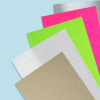
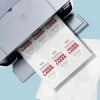
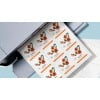
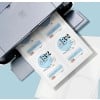
Blank Labels on sheets for both your office and your home
- Wide range – Choose from 2500+ shape, size, & material combinations
- Low prices - Buy direct & save
- No minimum order quantity – Order as little as 1 sheet
- Compatibility - With most inkjet and laser printers
- Mix and match – Create your own customised blank label pack
- Free online design app – Create and print your labels in minutes with Avery Design & Print.
Design & Print Tool
Click the "Start designing" button to create designs using our free Design & Print tool or upload your finished artwork.
Design File Guidelines
- File format: PDF (recommended), JPEG, PNG
- Maximum file size: 15MB
- Colour profile: CMYK , RGB (CMYK preferred. RGB images will be automatically converted to CMYK during upload)
- Image resolution: 300 ppi
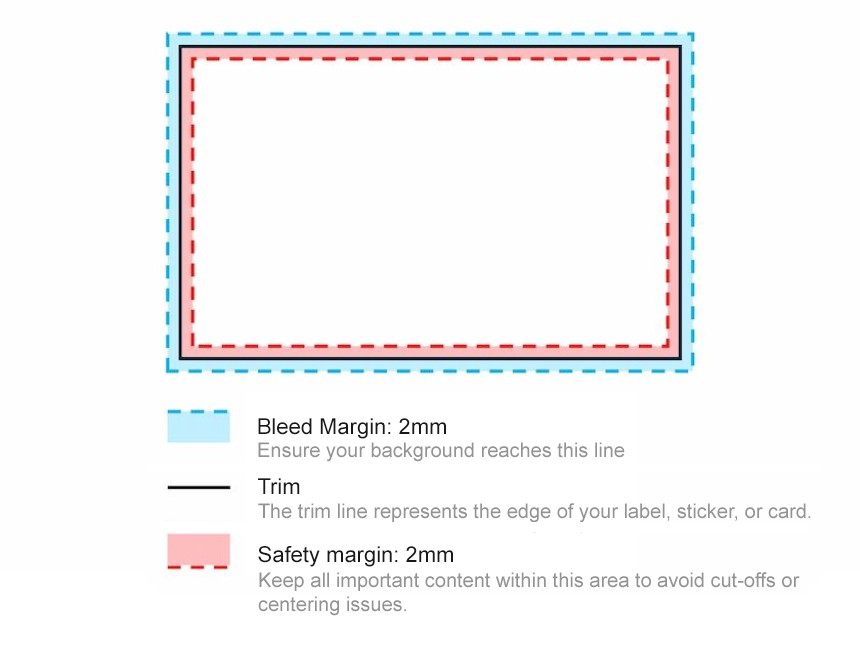
- Bleed margin: 2mm (outside of trim)
- Safety margin: 2mm (inside of trim)
Order Online
Ordering blank labels has never been easier.
- Configure your blank label with 2500+ combinations of shapes, sizes and materials to suit your needs
- Choose your quantity and see pricing update in real time
- Customise your design with Avery's free Design & Print tool
We're here to help!
Live chat: Click the blue icon in the bottom left
Email: [email protected]
Phone (free): 1800 644 353
Delivery Options
| Method | Price | Delivery time |
| Production | Nil | 1-2 business days |
| Standard | $9.99 Free over $150 | 3-6 business days |
| Express Australia New Zealand | $17.99 $19.99 | 1-3 business days 6-12 business days |
Why Avery Blank Labels?
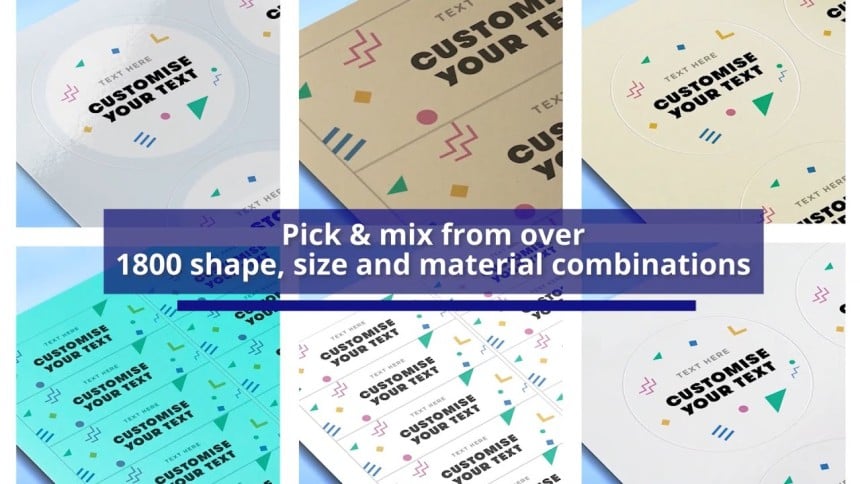
- Extensive range - Choose from 2000+ shape, size and material combinations
- Mix and match - Create your own customised blank label pack
- No minimum order quantity - Order as little as 1 sheet
- Compatibility - with most laser and inkjet printers
- Free Design & Print tool - Create and print your labels in minutes with Avery Design & Print
A Guide to Printing Your Blank Labels
Step 1: Choose your labels
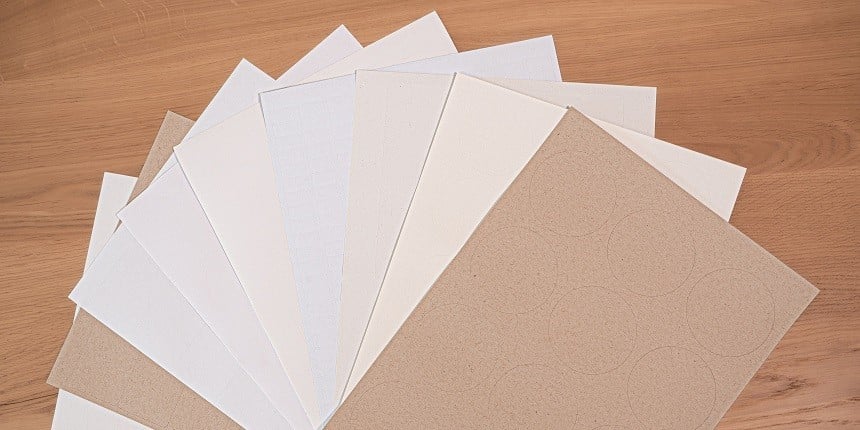
Choose your blank label sheets based on shape, size, material and printer type using our configurator.
Not sure what label to choose? Our Label Material Comparison Sheet can help you decide which label suits your needs best.
Step 2: Receive your labels
After placing your order, you’ll receive your blank labels within 3-6 business days for standard delivery or 1-3 business days for express delivery after production time.
Step 3: Create your design
Whether you have a ready-made design or want to create one from scratch, our FREE design and template software, Avery Design & Print, can help you design your labels. Simply select the software code received with your product and start designing.
Need help? Visit our How To Guides for help on our software or contact our friendly customer service team.
Step 4: Print your labels
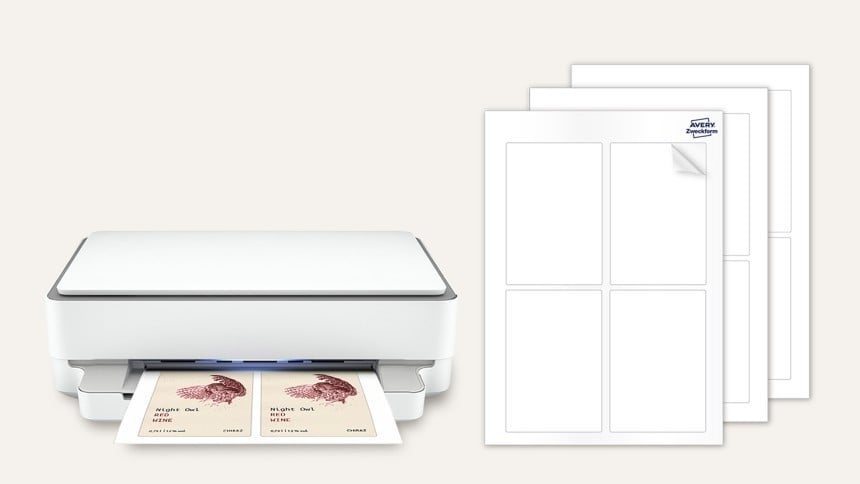
Bring your design to life by printing your labels. To do this, click ‘Preview and Print’ in the bottom right corner of our Avery Design & Print software. You can then download a PDF and start printing your labels!
Need help? Visit our How To Guides for printing or contact our friendly customer service team.
Design & Print
Free Design Tool & Templates
Personalise our templates, or upload your design created in Canva and other popular apps.

Use our free barcode generator to create unique barcodes and QR codes without additional apps.
Easily import contact info from excel spreadsheets and other data for simple variable data printing.

Contact our Australian customer service team on 1800 644 353
Popular Blank Label Shapes





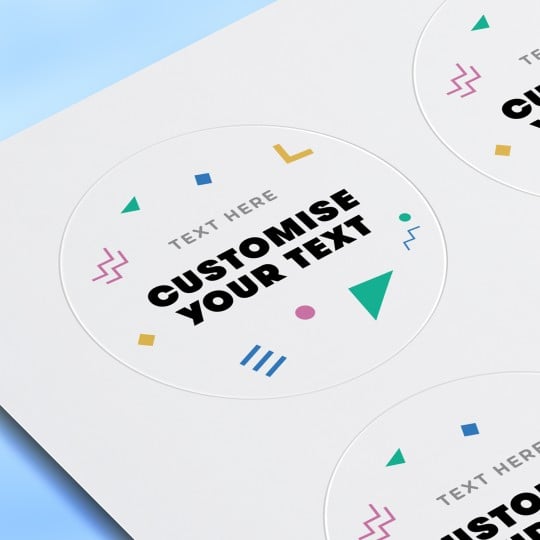
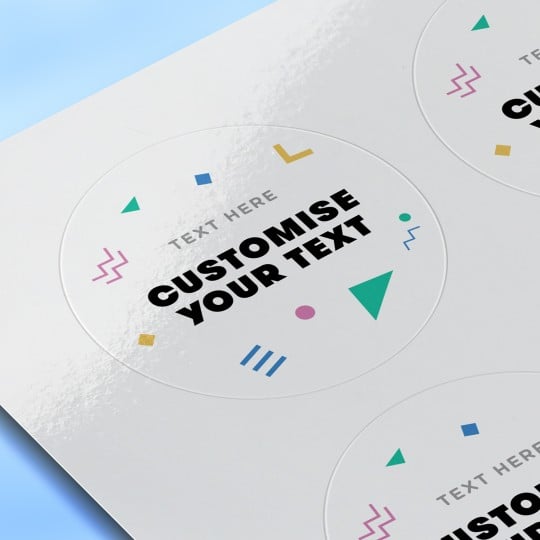
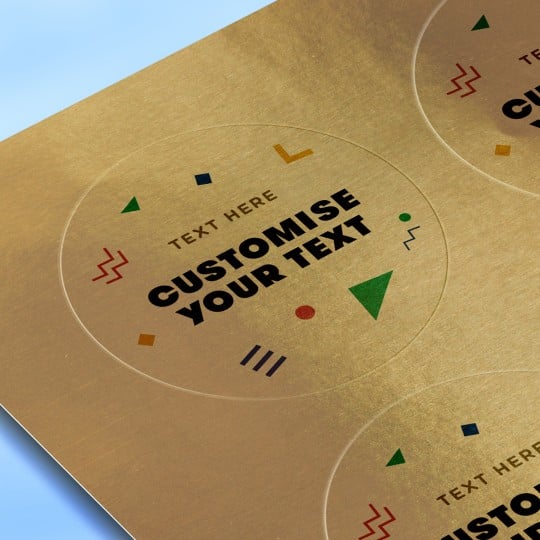
Popular Blank Label Materials
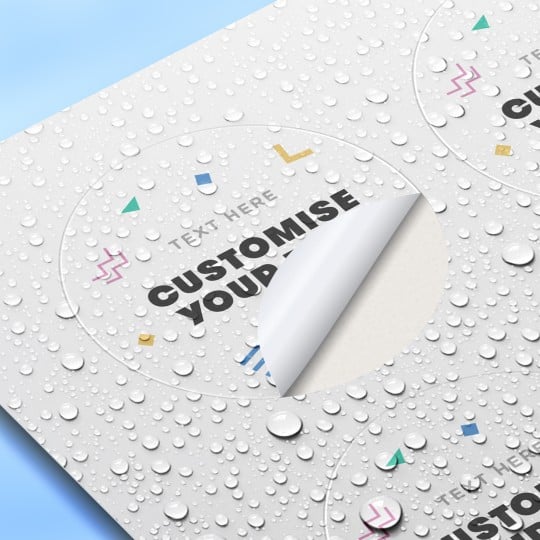
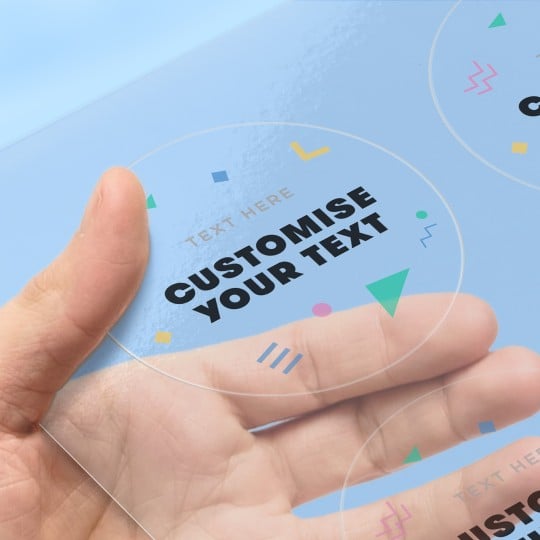
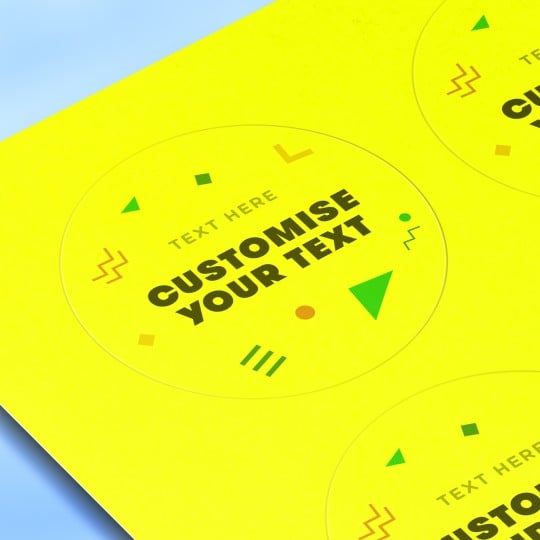
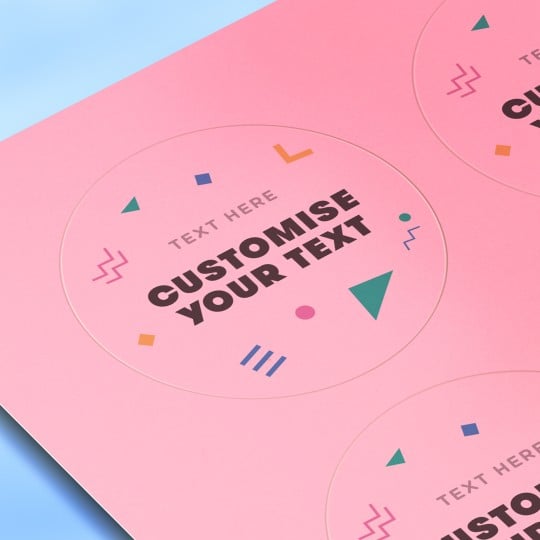
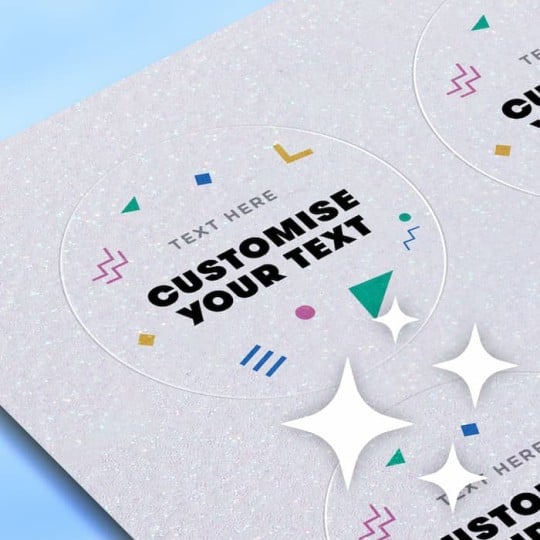
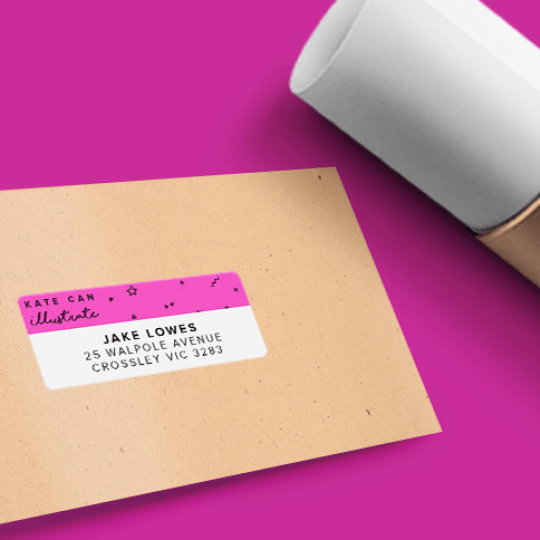
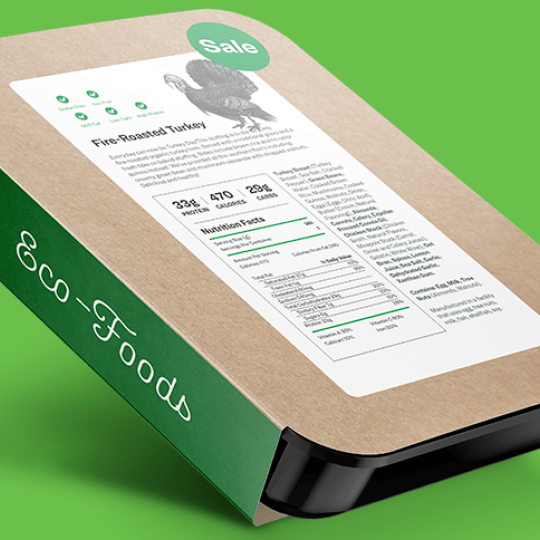
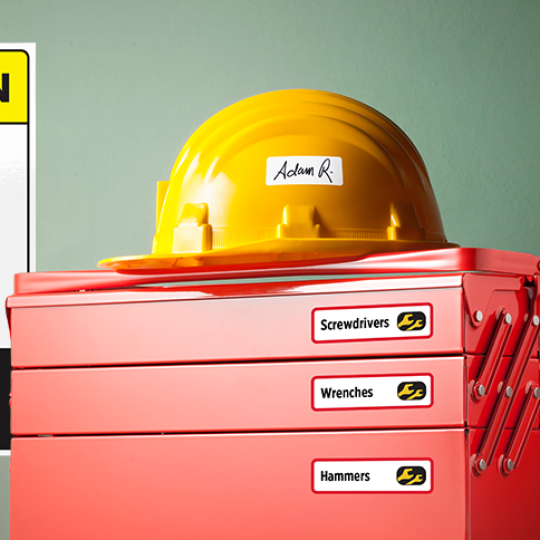
Popular Blank Label Applications

Here's what our customers think of us!
Got any questions, we've got answers!
Explore our FAQ page for more answers to common label questions. We also have Ava our chat assistant on the bottom left corner, who can help you with your queries.
Want to speak directly? Contact us today via email [email protected] or call us on 1800 644 353 (AU) or 0800 228 379 (NZ). Our friendly customer service team is always ready to help answer questions about all the labels and products we offer.
Frequently Asked Questions About Blank Labels
You will receive a software code and instructions with your label order. Use this code to find your template in Avery Design & Print.
To print your blank labels, visit our Avery Design & Print software. Enter the software code included with your order and start designing.
- Choose from our free templates or start from a blank template
- Personalise your design by adding text, colours, and images
- Easily import contacts or data with mail merge
- Generate QR codes or barcodes
- Save your designs to your online account
You can then download a print file in PDF format and follow the printing instructions provided with your order.
Our retail packs offer our most popular labels in convenient pre-packed quantities (10, 20, 50, 100 sheets, etc.)
The blank label range is essentially a pick and mix service that offers you 2000+ different shape, size and material label combinations in the quantity you want, giving you more flexibility.
Yes, of course! We offer a professional printing service with labels on sheets, as well as individually cut stickers.
You choose the shape, size, material, and quantity of your labels, you upload your design or create it directly in our Avery Design & Print software, and our printing service takes care of the rest!
You can visit our Label Material Comparison Chart to find out which labels are best suited for your needs.