Design & Print
Free Design Tool & Templates
Whether you are a pro designer or a novice, we have options so you can upload your designs or browse from thousands of free templates. Creating your labels, stickers or cards has never been easier.
Personalise our templates, or upload your design created in Canva and other popular apps.

Use our free barcode generator to create unique barcodes and QR codes without additional apps.
Easily import contact info from excel spreadsheets and other data for simple variable data printing.

Our friendly customer service team located in Australia and can be contacted on 1800 644 353.
Easily Design & Customise
In five easy steps, Avery’s Design & Print Tool makes it simple to customise your labels, stickers and cards:
- Start Design & Print
- Enter your Avery product code
- Choose a template or upload your design.
- Personalise the text and add images.
- Print then apply.
Most Popular templates
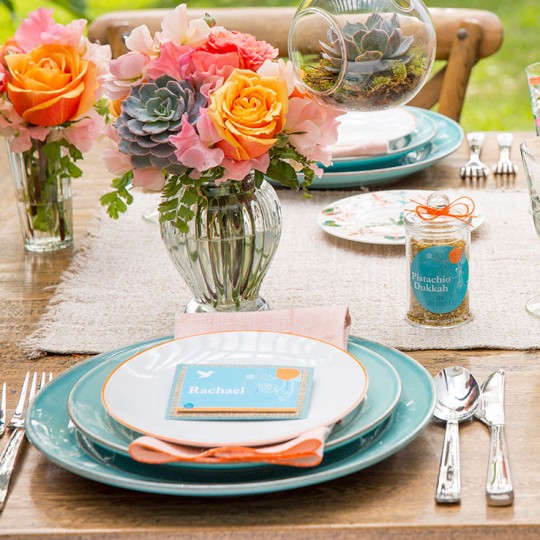
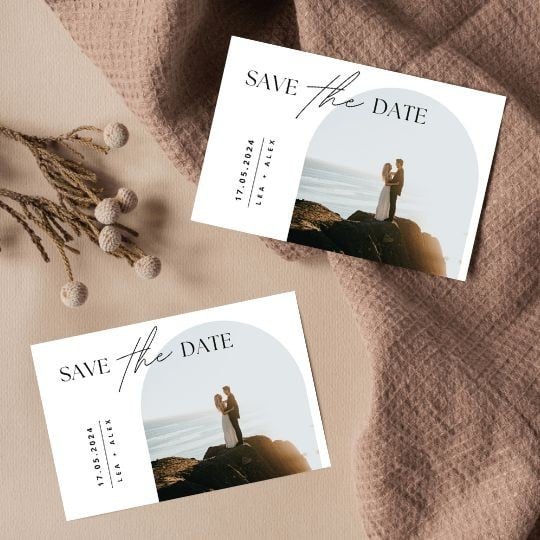
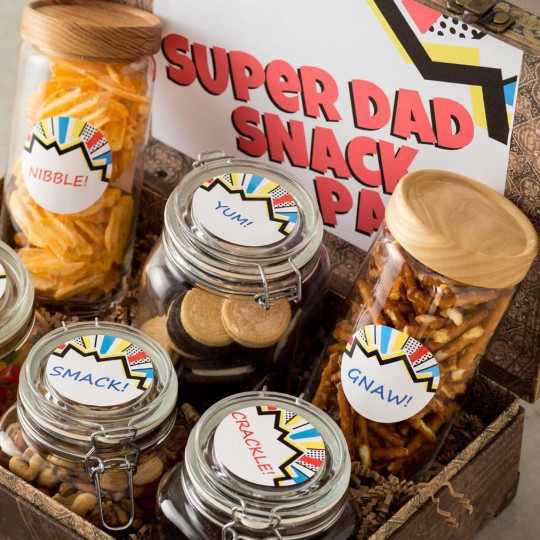
Word Template Softwarecode Search
Blank Word Templates
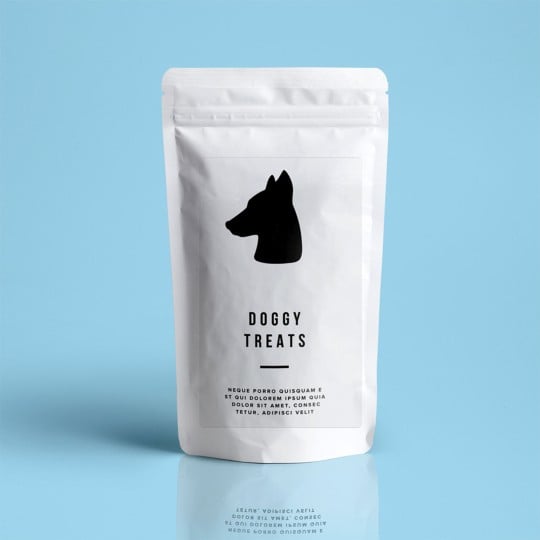
Avery have worked in partnership with Microsoft® for over 30 years to help you create the perfect labels. You can find all Avery products within Microsoft® Word® itself, or you can download individual blank templates from the below search box, by simply typing in your software code.
We're Here to Help
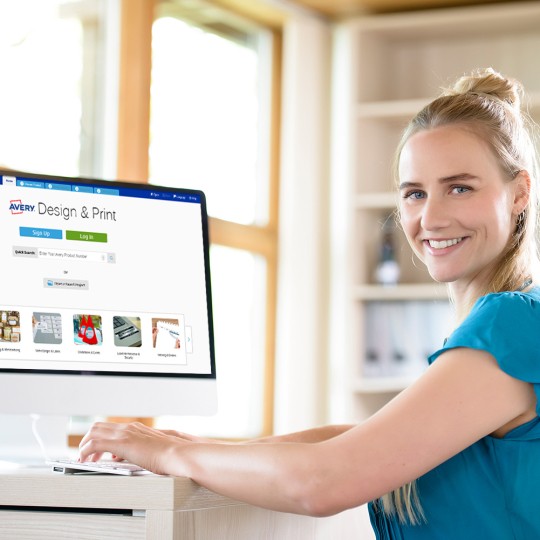
Read through our tips and tricks guidelines for Design and Print
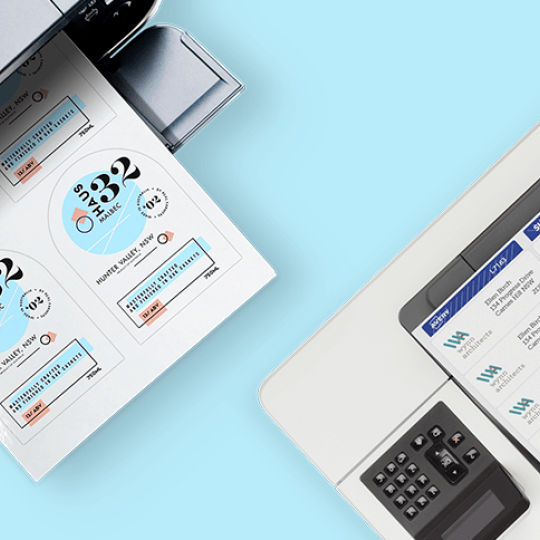
Learn some tips and tricks to make your printing experience easy
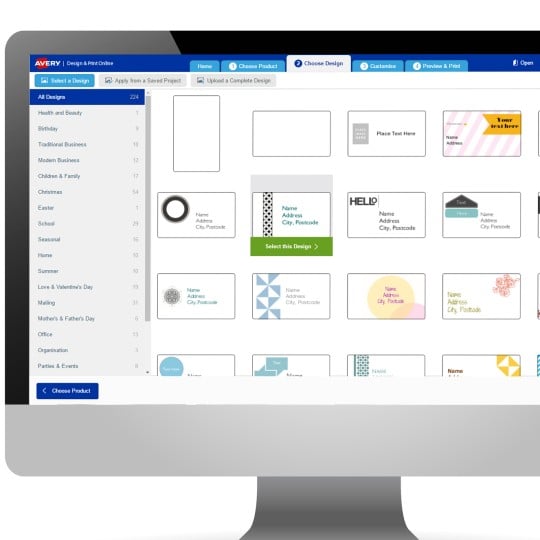
View design templates for different occasion
Contact our local team via Phone or Email.