Search:


You are here: Home > Projects & Ideas > Ideas for Work > Mailing > Step By Steps

Search Projects & Ideas

Enter a keyword and Search Project & Ideas


Step By Steps

Get Free Templates, Software, Tips and More!


Step By Steps

1 - 3 out of 3 Results | Page: 1
Step By Steps
Sort By:
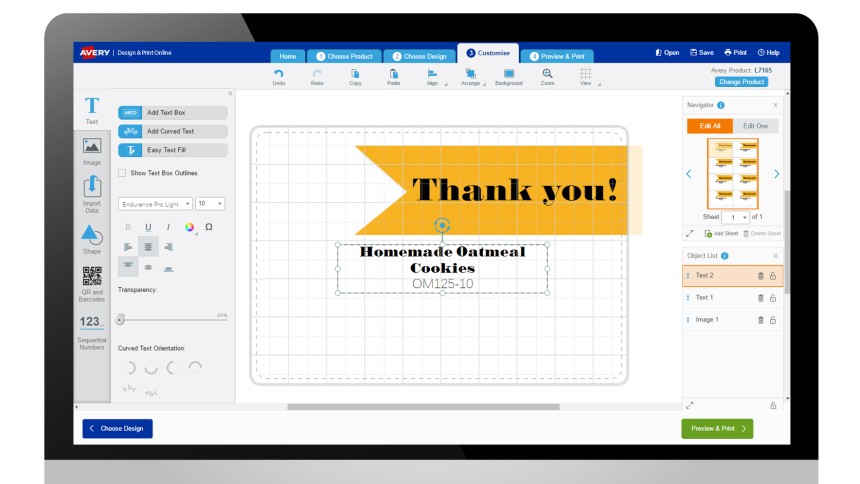
Mail Merge With the Avery® Wizard

Using the Avery® Wizard to mail merge is easy! Personalise your letters, cards, name badges – in fact, any Avery printable product! We teach you how, step by step. See if you're completing mail merge the fastest way possible. You might be surprised!


Mail Merge With the Avery® Wizard and Microsoft® Excel®

With a Microsoft® Excel® database and the Avery® Wizard, you can complete your mail merge quickly and easily. Here we show you how!


Set Your Mac® to A4! It's the Right Way to Print!

In Australia and New Zealand, it's important your computer is set to print on A4 paper. Without this setting, your labels, cards and dividers appear to be out of alignment. Here is a guide to setting your Mac® on A4.


1 - 3 out of 3 Results | Page: 1